Subscription overview
See price, cycle, renewal date, expiration date, and category in one place.

Bring every recurring bill back into focus
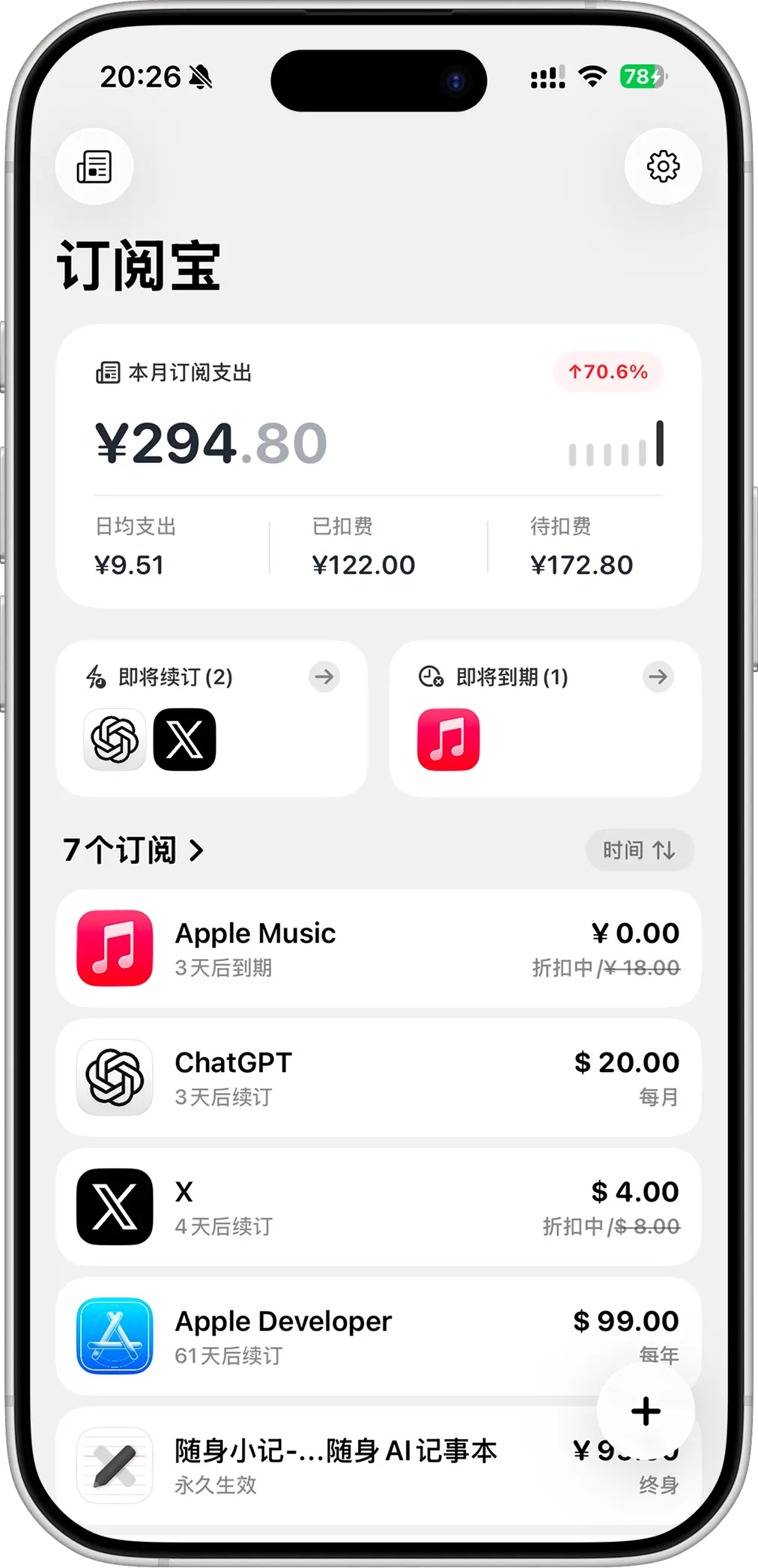
The current App Store listing highlights a native SwiftUI experience, local renewal reminders, monthly spending insight, trend views, widgets, and iCloud sync. This landing page turns those strengths into a calm, high-conviction story.
Why it feels lighter
The App Store copy makes it clear that this is not a generic budgeting tool. It is purpose-built for recurring services, so the page stays focused on clarity instead of noise.
See price, cycle, renewal date, expiration date, and category in one place.
Get a local alert before the next charge so you can renew, cancel, or adjust in time.
Keep temporary offers visible so surprise charges become less likely.
Review total spending, already charged items, upcoming payments, and average daily cost.
The layout is lighter now, but the important product details still need to be easy to scan.
Prices, billing cycles, trials, renewal dates, expiration dates, and categories for recurring services like streaming, cloud storage, productivity tools, and software plans.
Based on the current App Store listing, Suball uses local reminders to surface important billing moments before a charge quietly renews.
Yes. The current App Store page highlights iCloud sync, so the same subscription records can stay available across Apple devices.
The current App Store privacy section says no data is collected. For a subscription tracker, that kind of restraint matters.